
Config 2026: New materials, new tools and a more expressive canvas
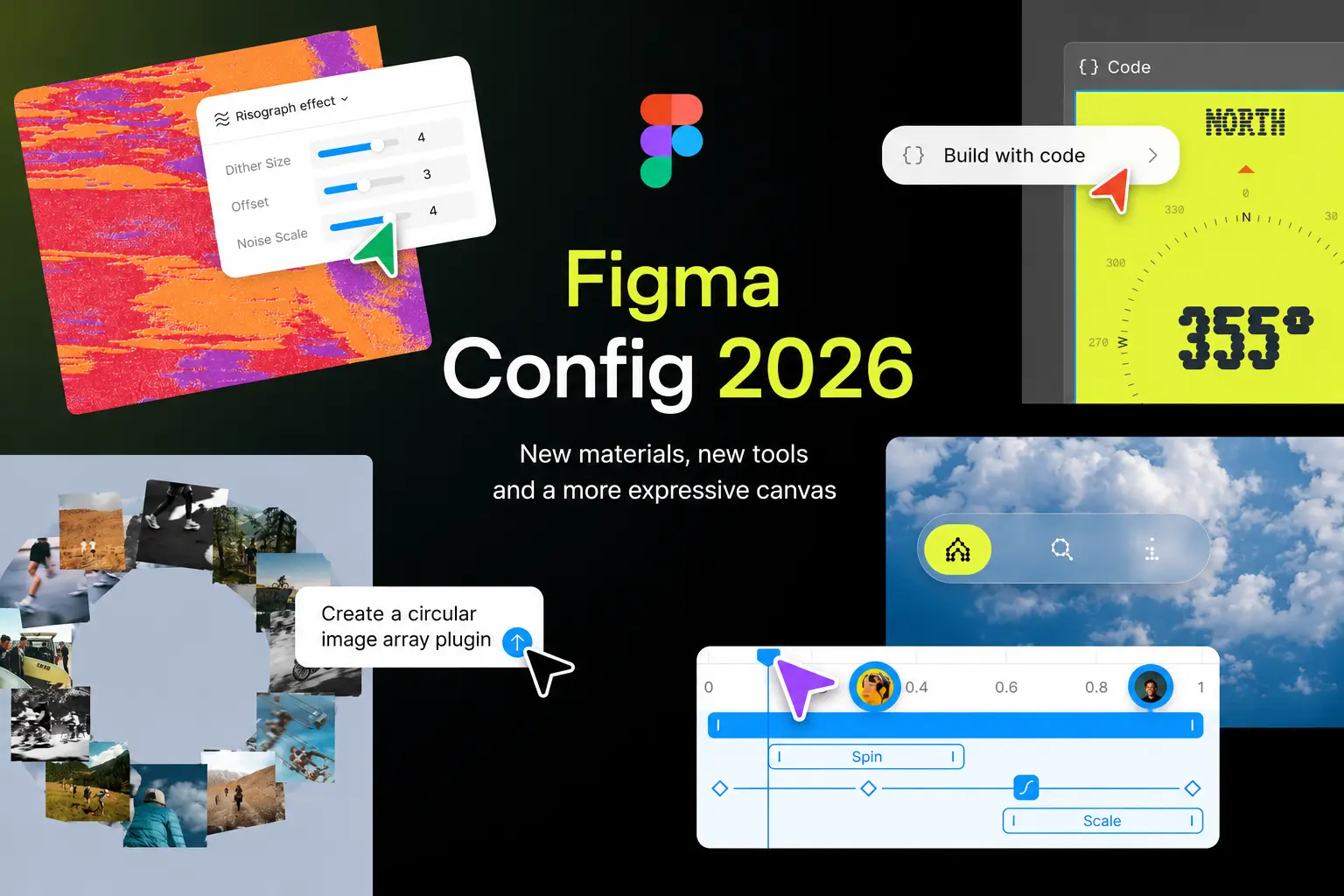
Introduction to Figma Config 2026
Figma's Config 2026 announcements mark a significant milestone in the design industry, introducing a plethora of new tools and features that promise to revolutionize the way designers work. At the heart of these updates is the idea of limitless expression on the canvas, empowering designers to push the boundaries of their creativity.
Code Layers in Figma
For years, the design industry has been divided between design and code. However, Figma is changing this narrative by introducing code layers directly on the canvas. This feature allows designers to turn any design layer into an interactive code layer with just a single click, enabling them to explore multiple directions side by side.
Code layers work seamlessly with the rest of the Figma canvas, allowing designers to riff, comment, and iterate with their teammates in real-time. Moreover, designers can extract design frames into editable design layers and update the code layer with a single click, making it easier to move between code and design.
Figma Motion: Bringing Design to Life
Figma Motion is a game-changer for motion designers, allowing them to build motion directly on the canvas. With a timeline, keyframes, presets, and more, designers can create complex animations and interactions with ease. Figma Motion is also built to work in code, enabling designers to copy animation code directly in CSS, JSON, or framework-ready React.
Motion is now a foundational element of Figma's design systems, allowing designers to animate components once and have that motion travel across every screen and collaborator's file. This feature is set to revolutionize the way designers work with motion, making it more accessible and intuitive than ever before.
Shader Fills and Effects
Shaders have long been a powerful tool in Figma, but making them has always been intimidating. With the latest updates, designers can now describe what they want or use an image as a reference, and the Figma agent will build it for them. Shader fills and effects are parameterized by default, allowing designers to add controls directly on the canvas and shape them in any way they want.
Interactive shaders are also on the horizon, promising to take Figma's design capabilities to new heights. With the ability to create custom shaders and effects, designers will be able to push the boundaries of their creativity like never before.
Generative Plugins
Generative plugins are a new way for designers to build custom tools and workflows in Figma. By describing the tool they need, designers can create generative plugins without requiring any local dev environment or plugin API knowledge. These plugins feel native to the canvas, just like any other Figma tool, and can be shared with anyone in the file.
Soon, designers will be able to publish tools to their team, organization, or the broader community, creating a vast library of custom tools and workflows. This feature is set to democratize access to custom design tools, enabling designers to create and share their own unique workflows.
Figma Weave Tools
Figma Weave tools apply the same approach to visual content, allowing designers to build and reuse expressive workflows. Weave is a node-based canvas where designers can connect models, transform assets, refine outputs, and compare approaches. Instead of prompting for a single result, designers can work with model outputs like clay to sculpt a multi-model workflow.
Today, designers can build workflows in Weave and publish them as templates for others to use or remix. Soon, they will be able to publish them as tools for their team, organization, or community. To get started, Figma has added a bunch of Weave tools to inspire designers and help them unlock their creative potential.
An Agent that Knows How You Work
The Figma agent is built to understand the design canvas and is now available to everyone. Skills package up workflows and conventions into reusable instructions for the agent, allowing designers to build their own skills or use those from their team or the community. Connectors let the agent reach the tools already in the stack, and attachments can bring in research, briefs, or any relevant artifact.
Agent chats are now visible to teammates by default, enabling them to see what directions others are exploring and build on their thinking. The agent is also coming to more surfaces, like FigJam and Slides, and designers can join the waitlist for early access at figma.com/config-betas.
If you're weighing this for your own project, that's the kind of decision we help with at Chulbul Design.
Frequently Asked Questions
What is Figma Config 2026?
Figma Config 2026 is a set of updates and new features announced by Figma, aimed at enhancing the design experience and unlocking new creative possibilities. These updates include code layers, Figma Motion, shaders, generative plugins, and more.
How do code layers work in Figma?
Code layers in Figma allow designers to turn any design layer into an interactive code layer with just a single click. This feature enables designers to explore multiple directions side by side, riff, comment, and iterate with their teammates in real-time, and move seamlessly between code and design.
What is Figma Motion?
Figma Motion is a new feature that allows designers to build motion directly on the canvas. With a timeline, keyframes, presets, and more, designers can create complex animations and interactions with ease. Figma Motion is also built to work in code, enabling designers to copy animation code directly in CSS, JSON, or framework-ready React.