Custom CMS Development
Purpose-built administration and publishing tools for content structures that do not fit a standard website platform.

We design and develop content-management systems for organizations that need structured publishing, clear editorial control and dependable integrations. From Joomla and headless CMS platforms to focused custom administration tools, every solution is shaped around how your team actually creates and governs content.
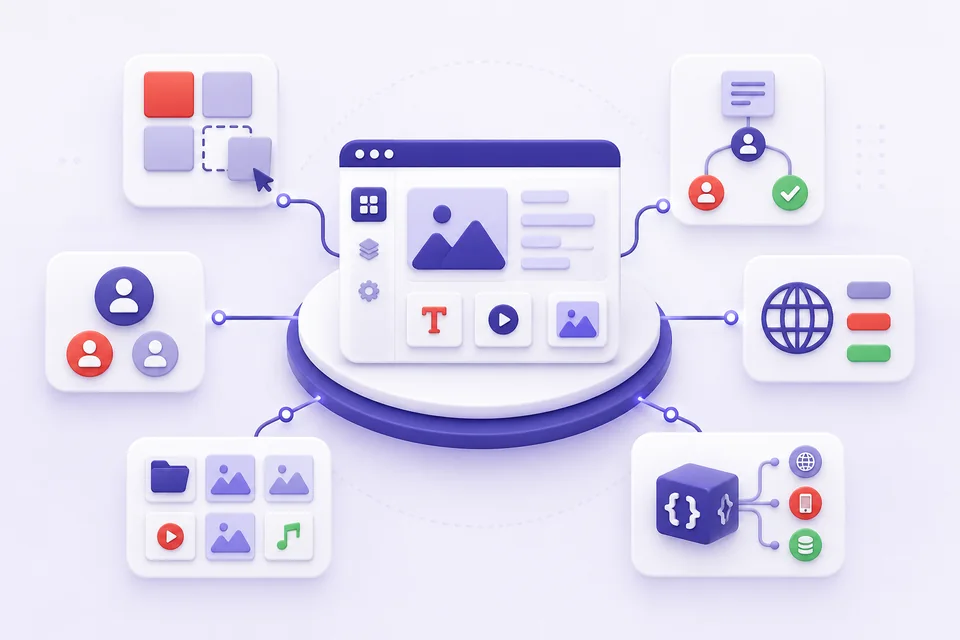
A useful CMS does more than place a text editor behind a website. It represents the content your organization owns, the people responsible for it and the channels where it appears. A service, location, author, policy or product should be stored as meaningful information—not copied into dozens of unrelated page-builder blocks.
Chulbul Design starts by studying content types, relationships, publishing frequency and governance. We identify what must be reusable, what needs approval, what differs by language or brand and which systems already own important data. This creates a content model that editors can understand and developers can extend without repeatedly rebuilding the platform.
The right technology follows those requirements. WordPress may be ideal for a straightforward marketing website, while Joomla, a headless CMS or focused custom tools can better support granular permissions, multiple frontends or specialized workflows. We explain that choice clearly and avoid adding architectural complexity that your team does not need.
Plan, build, migrate and improve the systems your team uses to create, review and distribute content.
Purpose-built administration and publishing tools for content structures that do not fit a standard website platform.
API-first content platforms that can deliver approved content to websites, apps, portals and other digital channels.
Structured Joomla websites, extensions, templates and migrations for teams that need granular content and access control.
Content models, taxonomies, relationships and reusable fields designed around how your organization creates information.
Draft, review, approval, scheduling and publishing stages with roles that match real editorial responsibilities.
Governed content systems for multiple brands, regions, languages or departments without uncontrolled duplication.
Connect content with CRM, DAM, search, translation, analytics and other documented business systems.
Explore API integrationMove structured content, media, users and important URLs with mapping, validation, redirects and launch checks.
Plan a CMS migrationPractical access rules that separate authors, reviewers, publishers and administrators without blocking routine work.
Improve outdated CMS code, editor usability, security, performance and maintainability through a planned roadmap.
View maintenance support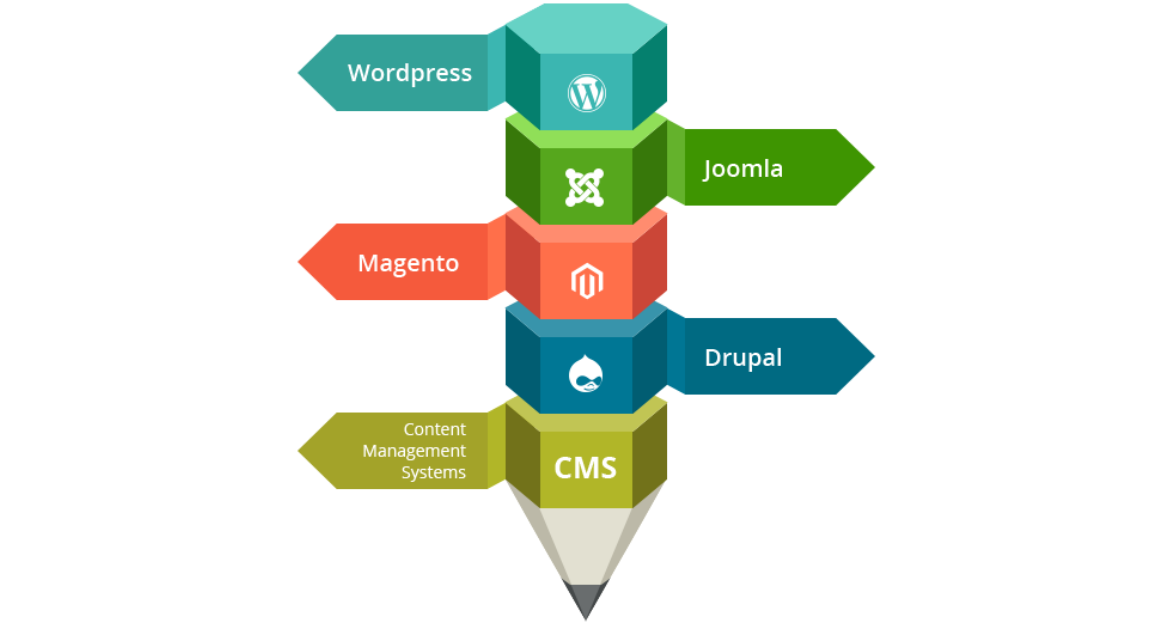
When information is stored as unstructured pages, every new channel, redesign or regional version creates duplication. A considered content model separates meaning from presentation. Teams can update a person, location or policy once and reuse that approved information wherever the platform needs it.
Governance is designed at the same time. Authors should see the fields relevant to their work, reviewers should understand what changed and publishers should know what is ready. Labels, validation, ownership and sensible defaults reduce training time and prevent avoidable publishing errors.
The platform should match who publishes, how information is reused and where customers need to find it.
Services, teams, locations, resources and governance for growing organizations.
High-volume articles, sections, authors, reviews, schedules and archive discovery.
Structured guides, documentation, search and ownership for customer or internal support.
Role-aware content, protected resources, profiles and connected account journeys.
Programs, faculty, admissions, resources and distributed departmental editing.
Governed services, clinicians, locations and reviewed health information.
Language ownership, translation states, regional variations and SEO-ready URLs.
Controlled location, franchise or service-area content with reusable local data.
Shared components and governance with distinct brand experiences and permissions.
Versioned product information, structured navigation and API-delivered technical content.
A maintainable CMS separates these responsibilities while giving teams a clear view of how they connect.
Fields, relationships, taxonomies, revisions and validation describe your information independently of a single visual layout.
Dashboards, permissions, workflows and previews help each user complete the right task without exposing unnecessary controls.
Templates or APIs deliver structured content to websites, applications and connected experiences with caching and error handling.
A CMS rarely operates alone. Customer data may belong in a CRM, approved assets in a DAM, product information in an ERP and translations in a localization platform. We define which system owns each record before designing a connection, so editors do not have to guess where an update should happen.
Each integration includes practical decisions about authentication, mapping, synchronization, retries, logging and failure states. This is especially important for headless and multisite platforms where one unavailable service can affect several customer experiences.
A good editor interface is only one part of a dependable content platform.
Clear ownership, approvals, revisions and publishing rules keep high-volume content trustworthy.
Role-based access, supported dependencies, validation, backups and logging reduce preventable risk.
Efficient queries, caching, media handling and delivery architecture support editors and public users.
Accessible administration and semantic public output help more people create and consume content.
Technology, migration and editorial adoption are planned together instead of treated as separate launch problems.
We review audiences, content volume, ownership, systems, pain points and future publishing goals.
Types, relationships, taxonomies, roles, approvals and lifecycle rules are documented before build.
WordPress, Joomla, headless or custom options are compared against requirements and operating cost.
Editor interfaces, public components and external connections are built in reviewable stages.
Content, permissions, URLs, devices and publishing workflows are validated with the people who use them.
Backups, redirects, monitoring and production settings are checked before ongoing support begins.
Our portfolio includes digital delivery experience connected with Gurjar Pragati Manch, Kisaan Jee and Tera Ghar. Relevant work helps demonstrate how structured content, navigation, editorial responsibilities and responsive presentation can operate as one manageable system.
During a consultation, we explain our role and review decisions related to content models, publishing workflows, permissions, integrations and migration planning. For broader engineering requirements, Chulbul Design can also collaborate with SoftLes as a technology partner.
Review Selected WorkChoosing a CMS affects editors, developers, infrastructure and future channels. We connect platform recommendations to publishing effort, governance, integration risk and long-term ownership. Your team sees the tradeoffs before a technology decision becomes difficult to reverse.
Our Gurugram-based team serves businesses in India and international markets through planned remote collaboration. We agree meeting windows, milestones and feedback channels at the start without claiming offices where we do not have them.
The estimate depends on content operations and integrations—not only the number of public pages.
Content architectureTypes, relationships, taxonomies, search and reuse across channels.
Workflow and accessRoles, approvals, revisions, scheduling, audit history and governance.
Platform and interfacesCMS choice, custom administration, frontend templates and preview requirements.
Migration and integrationsSource quality, media, users, redirects, APIs and external data ownership.
Scale and supportLanguages, sites, traffic, infrastructure, security, training and maintenance.
A dedicated CMS is one option within a wider website, application and publishing capability.
Clear answers for teams planning a new content platform, migration or modernization project.
Ask a project-specific questionCustom CMS development creates a content-management experience around an organization’s specific content, permissions, workflows and integrations. It can involve extending an established platform or building focused administration tools when a standard configuration cannot support the requirement responsibly.
WordPress development focuses on the WordPress editor, themes, plugins and its ecosystem. CMS development is broader and may use Joomla, a headless CMS or a custom platform for complex content models, multiple channels, approval workflows or enterprise integrations.
A headless CMS can be useful when the same structured content must serve multiple websites, apps or devices, or when the frontend needs an independent technology lifecycle. It also adds architecture and operational complexity, so we recommend it only when the benefits justify that cost.
Yes. Joomla work can include templates, extensions, structured content, user permissions, upgrades, migrations, integrations and ongoing support. We first audit the current version and extensions before defining a safe scope.
Yes. A migration plan maps source fields to the new content model, identifies media and user requirements, preserves important URLs through redirects and validates content before launch. Automated scripts may be combined with editorial review where source data is inconsistent.
Yes, when content ownership and reuse are planned carefully. We define what is shared, what is regional, who can publish each version and how URLs, translation status and search metadata are managed.
Yes, when the other system offers suitable APIs or data access. We document which system owns each field, how authentication works, what triggers synchronization and how errors or unavailable services are handled.
We use role-based access, validated input, supported dependencies, backups, update procedures, logging and clear deployment ownership. Security also depends on hosting, user practices and maintenance, so those responsibilities are included in planning.
Cost depends on content models, design templates, workflows, user roles, integrations, migration volume, languages, search, infrastructure and support. We provide a written scope after discovery instead of assigning one price to every CMS project.
A focused content website may take several weeks, while a multisite platform, large migration or custom editorial system can take months. The delivery plan is based on confirmed content, integration, approval and testing requirements.
Share your current platform, publishing workflow and integration requirements. We will help you identify a practical CMS scope and the next step.


