Trigger Design
Define the event or schedule that starts a run and the conditions that should prevent it.

Reduce repetitive copying between systems. We build defined workflows that move the right information, check the result and alert the right person when a step needs attention.
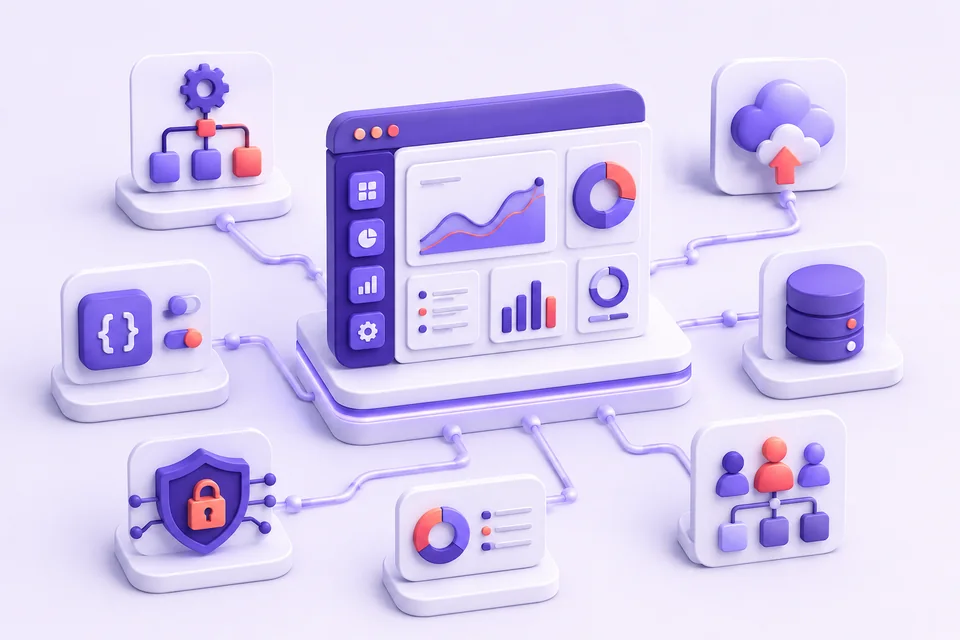
A website form, a CRM record and a team notification may describe the same enquiry, yet someone still copies the details between them. Workflow automation connects those steps using agreed triggers and rules.
Chulbul Design builds workflow automation for businesses worldwide. We review the applications involved, their available interfaces and the data each step needs before choosing an implementation approach.
The result should be understandable to the person who operates it. We define what starts the workflow, what counts as success and what happens if a service is unavailable. Not every task needs AI, and not every failed action should simply be repeated.
Select a focused workflow first, then expand when the behaviour is verified.
Define the event or schedule that starts a run and the conditions that should prevent it.
Check required fields and acceptable values before sending incomplete information into another system.
Match names, formats and identifiers between applications so the destination receives usable records.
Use authorised interfaces and verify that incoming events belong to the expected source.
Route records according to explicit business conditions with a clear default for unmatched cases.
Pause consequential actions for the person who is responsible for approving them.
Track stable record or event identifiers so retries do not automatically create repeated work.
Separate temporary failures from bad inputs and define when a run should stop for review.
Send useful failure context to an agreed owner without exposing unnecessary sensitive information.
Explain the workflow's inputs, outputs, dependencies and controls in a format the team can use.
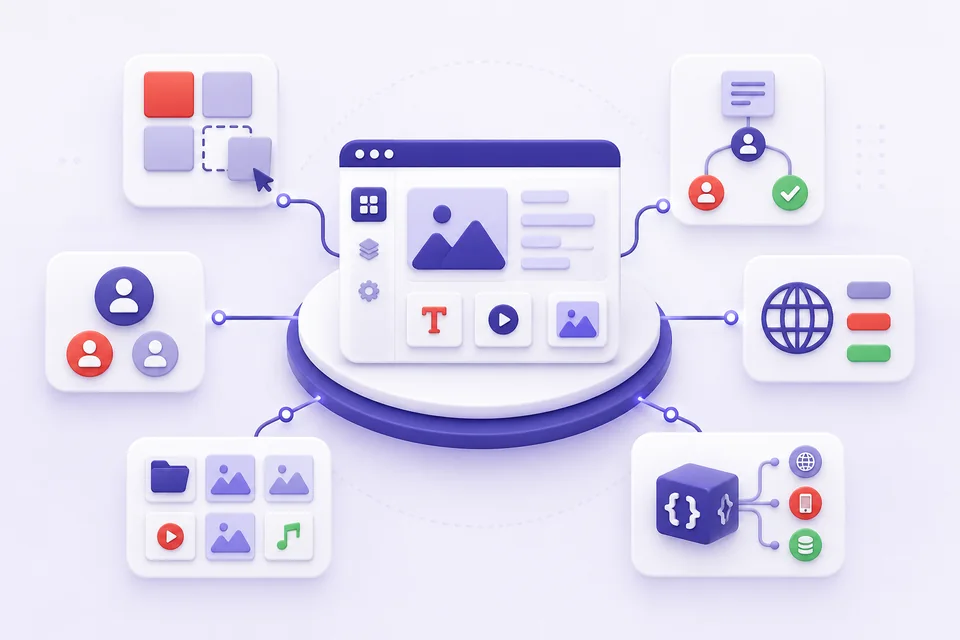
We start with a concrete example of the task being repeated. Which event begins it? Which fields are copied? What should exist when it finishes? These questions reveal dependencies that can be missed when a workflow is described only as “connect the CRM.”
The approved specification includes ordinary and exceptional cases. We identify who owns a record, what to do with missing information and whether the destination already contains it. This makes the build testable before it becomes part of daily operations.
These examples are starting points for scoping, not claims that every integration is available on every account.
Validate an enquiry, map its fields and create or update the appropriate lead record.
Route an incoming request to an owner based on agreed service or territory rules.
Connect confirmed booking events to the records and notifications the team needs.
Create an approved project structure after the required onboarding conditions are met.
Assemble a draft from approved data and send it for review before external use.
Pass verified order events to the relevant downstream process within the authorised scope.
Organise incoming requests and surface incomplete or unmatched cases for a person.
Collect agreed operational data into a repeatable report with clear source references.
Keep selected fields aligned while defining which system is the source of truth.
Notify an accountable owner when a defined business step is overdue.
A maintainable workflow needs more than a successful first run.
Specify the conditions for each branch and approval.
Keep identifiers and field meanings clear across systems.
Give failures an owner and a safe route back into the process.
Some applications provide a suitable connector; others require a custom API integration or a scheduled import. We review the supported interfaces, permissions and operational limits before recommending a workflow platform or custom code.
The choice should fit the people maintaining it as well as the technical task. We explain hosting, licence and account dependencies, and keep credentials out of ordinary workflow notes. If a required interface is unavailable, we identify the limitation rather than promising a seamless connection to every system.
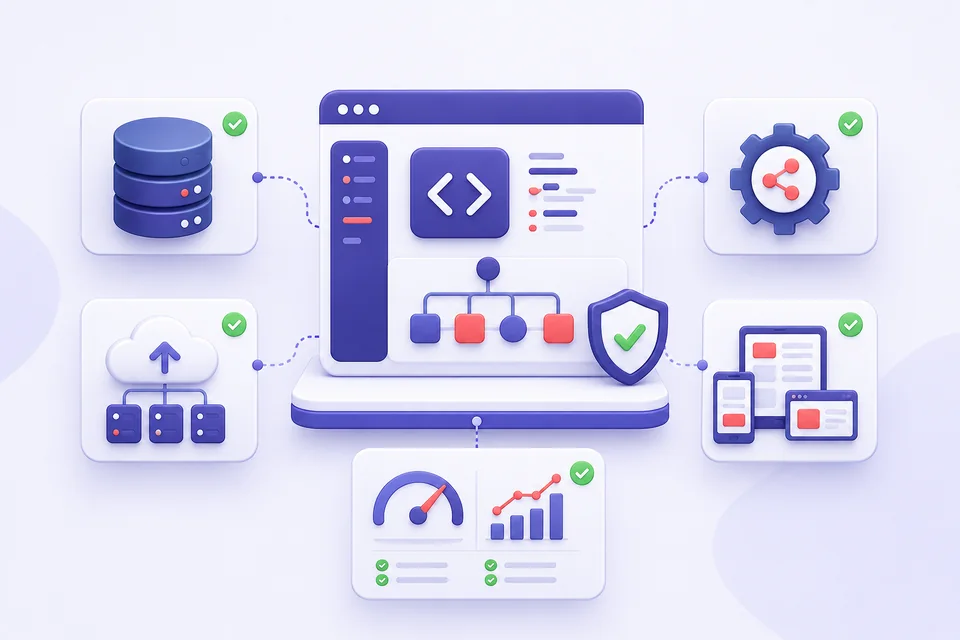
A request can reach the destination even when the sender does not receive a clear confirmation. Repeating it blindly may create another record or send another message. We design around stable identifiers and destination checks where the connected systems allow it.
Failure handling also needs an owner. We decide which problems can be retried, which require corrected data and which should stop immediately. The handover explains how to inspect and resume a run without assuming that replaying the entire workflow is always safe.
A workflow should be tested with representative sample records before it processes the full live stream. The pilot checks field mapping, permissions, duplicate events and unavailable services. Actions that send messages or modify important records use approved test destinations.
After launch, your team needs to know how to pause new runs and manage work already in progress. We document version changes and remaining dependencies so a future application update does not leave the automation without an owner or a recovery process.
The agreed checks cover the events most likely to create confusing or repeated work.
Confirm missing or invalid values take a defined path.
Check the intended behaviour when the same event arrives again.
Verify that a failed connection becomes visible and does not silently lose the task.
Confirm restricted actions do not run before the required authorisation.
Each stage has a clear purpose, approval point and responsibility before the next work begins.
Describe a repetitive handoff and provide representative examples.
Agree triggers, data fields, approvals and exception ownership.
Confirm application access and choose a maintainable implementation.
Implement validation, actions, duplicate handling and alerts.
Check realistic inputs, partial failures and the destination records.
Hand over controls, operating instructions and ongoing support options.
Our wider website portfolio includes work connected with Gurjar Pragati Manch, Kisaan Jee and Tera Ghar. These logos provide context for our wider digital work; they do not mean every project included workflow automation or a deployed automation.
Ask for a walk-through of the trigger, data mapping and recovery plan relevant to your task. Our wider website portfolio does not prove a particular automation platform deployment.
Review Selected WorkWe make the workflow's rules and responsibilities visible before implementation. That helps your team challenge an incorrect assumption before it becomes a repeated automated action.
Our focus includes the failure path and handover, not just the connection between two apps. We discuss who monitors the result, who can change it and what the ongoing platform costs involve.
Workflow automation cost depends on the number of systems, branching rules and reliability requirements. A single enquiry handoff is different from a bidirectional synchronisation involving several teams.
The proposal separates development from model usage, messaging fees, hosting, software subscriptions and ongoing support. Account eligibility, approval responsibilities and limits are confirmed before a live integration is activated.
Request a Scope DiscussionConnected applicationsEach interface has its own access, fields and limitations.
Data mappingInconsistent formats and identifiers add preparation work.
Branches and approvalsMore business rules require more implementation and test cases.
Failure recoveryRetry, duplicate and partial-completion handling affect the design.
Run volumeUsage, hosting and platform plans influence ongoing costs.
Ownership and supportTraining, changes and monitoring are separately defined.
Compare the services below, or explore AI and automation to choose between a conversational assistant, a defined workflow, an embedded AI feature or a broader business process.
Clear answers about data, integrations, approval controls, operating costs and ongoing ownership.
Ask about your businessNo. Defined rules and structured data often work well without a model. AI can be added for a specific language or classification task when it provides a useful, testable benefit.
Usually where suitable access or APIs are available. We inspect the form output and CRM requirements before confirming the mapping and implementation.
We choose after reviewing the systems, account capabilities and maintenance needs. A workflow tool or custom integration may be appropriate; subscriptions and hosting are discussed separately.
The flow should report the failure and follow an agreed retry or review path. The exact behaviour depends on the operation and whether repeating it is safe.
It can if event identity and retry behaviour are not considered. We use suitable identifiers and destination checks where possible, then test repeated events.
Yes. Approval gates can be designed for the actions that require them, with an explicit handling rule for unanswered or rejected requests.
That should be part of the operating plan. We document the pause control and what happens to queued or partly completed work.
A bidirectional connection needs clear field ownership and conflict rules. We define those before implementation so each system does not repeatedly overwrite the other.
This service focuses on defined technical handoffs between tools. Business Process Automation examines a broader end-to-end process, including roles, policy, approvals and exception management.
Choose one repetitive task with clear inputs and a visible result. We can scope a pilot before your business commits to a wider automation programme.
Compare local website packages, ecommerce deliverables and transparent starter pricing in our top client cities, or view all 52 cities we serve.
Tell us where it starts, which tools it passes through and what should happen at the end. We will help define a focused workflow.


